30 days
Trial
Trial
Sample library items
Layouts included
Playlists included
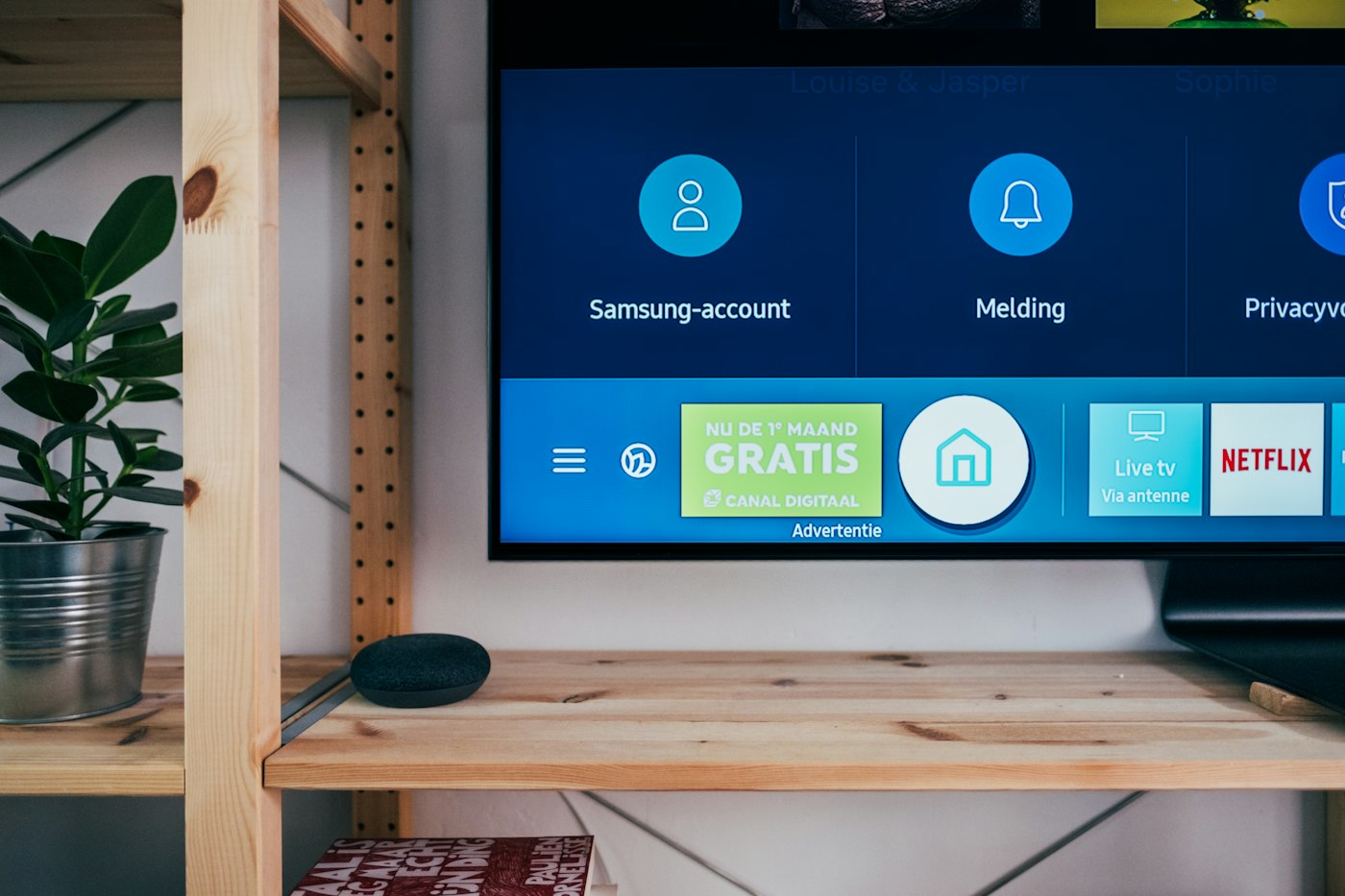
The desk
A library item goes into a layout. A playlist is a list of those layouts. The same moves work for a lobby television or a row of menu boards.
Products
Menu boards, display boards, notice boards, and advertising screens share the library and the pair code. All products are the same desk.
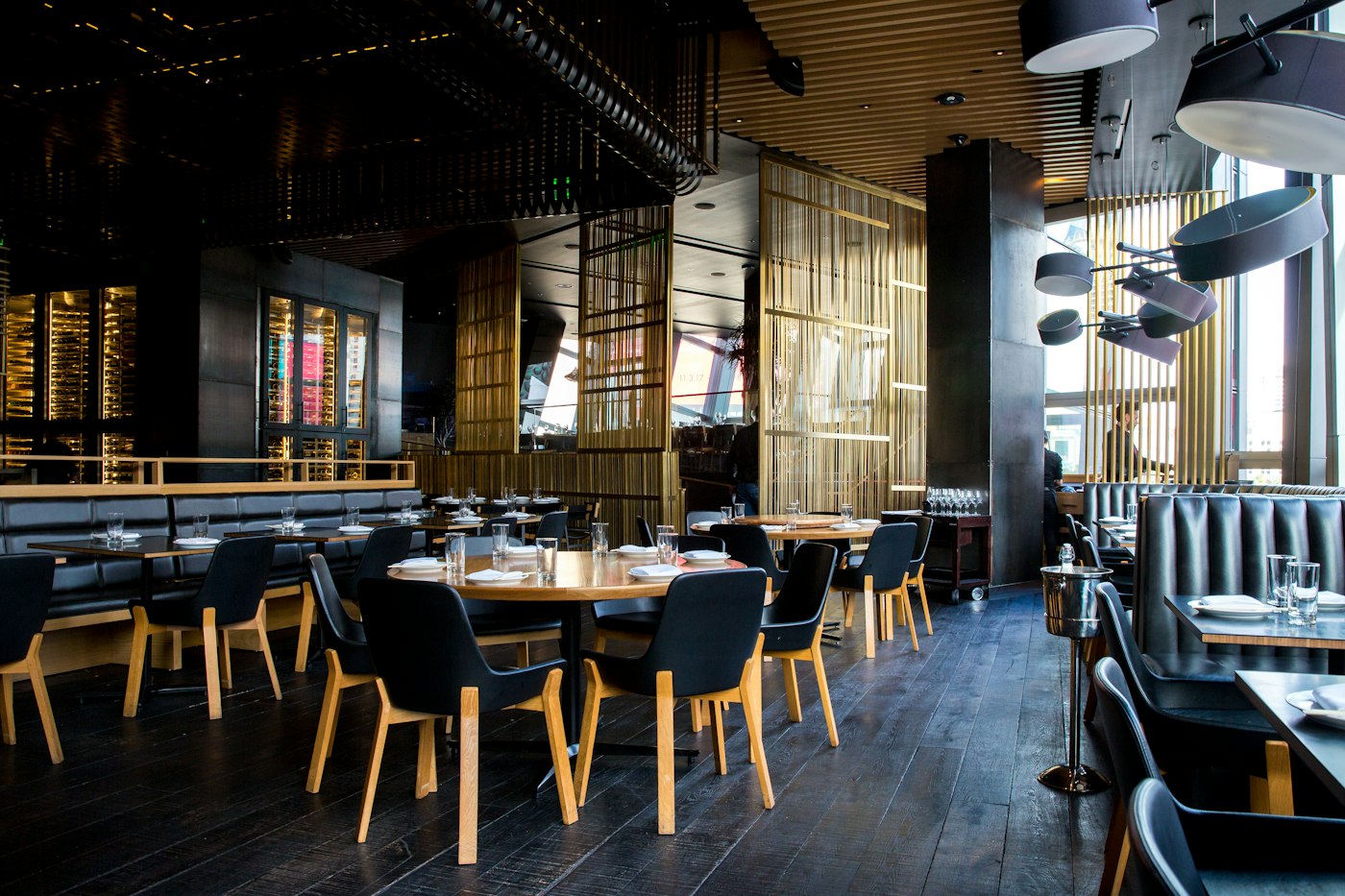
Put today's prices, the meal of the day, and a short offer on a counter screen. Change them from the desk. The desk does not take the order or the payment.
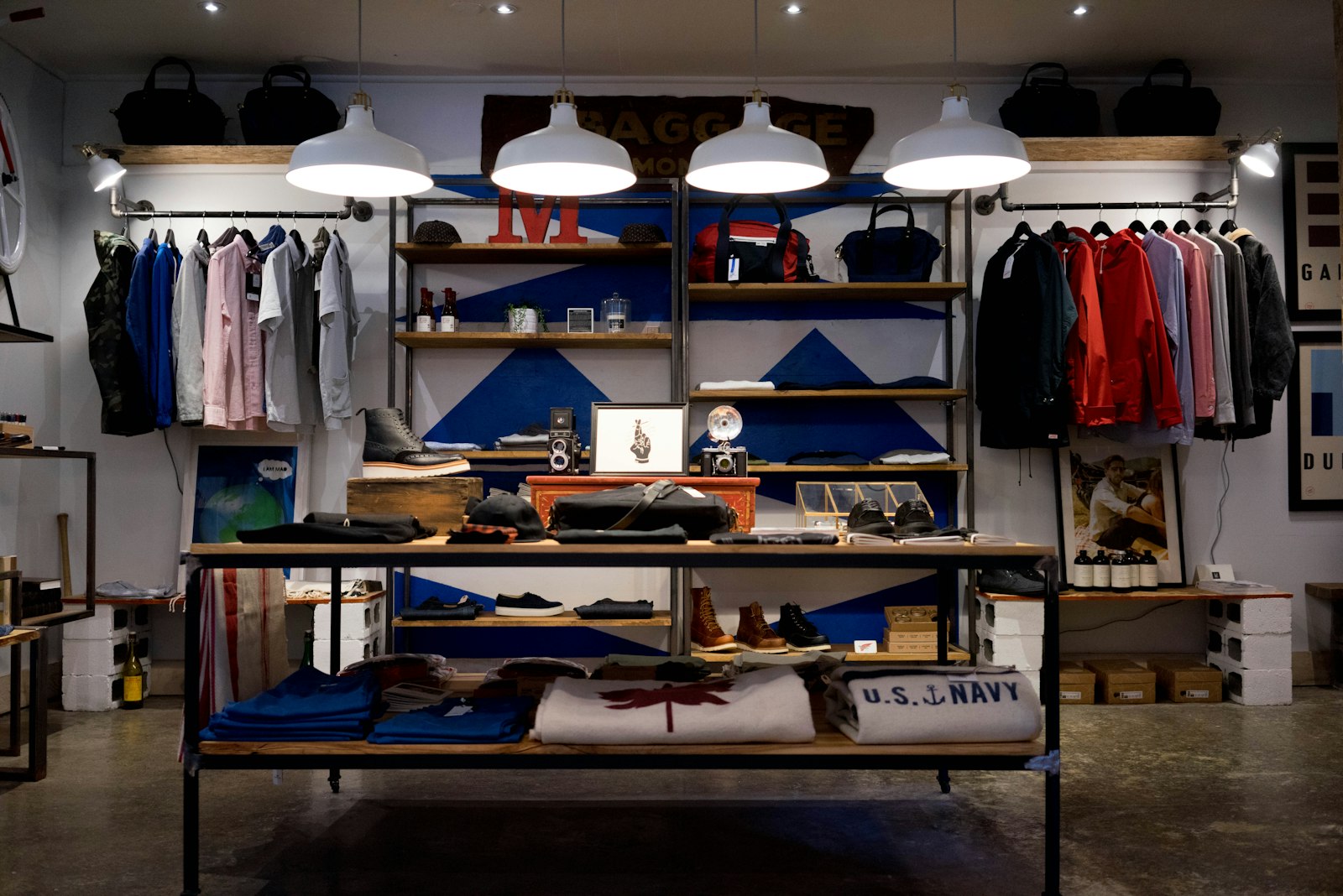
Play pictures, video, and layouts on a screen you already have. A folder of pictures can advance. The desk does not design the photograph for you.

A scrolling line, a text slide, or an emergency line on a screen in the lobby or corridor. Staff can mark a phone notice as read. The desk does not send SMS.
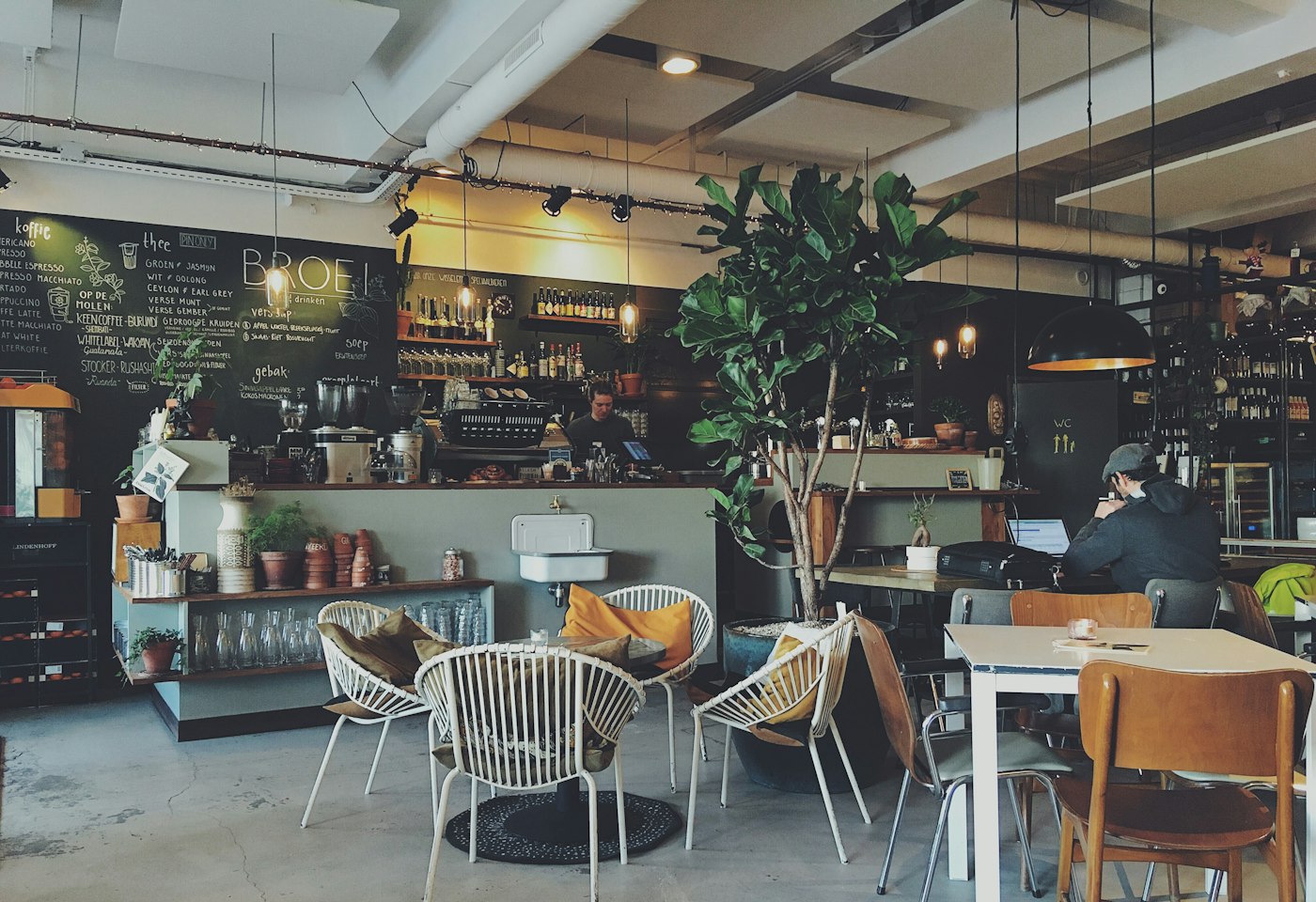
Sell time on your own screens. You set the price and the hours. The desk records what played. It does not charge the advertiser's card.
The desk holds the library, the playlists, the screens, and the schedules. A trial is 30 days. A lapsed plan does not delete the screens.
A browser is enough. Installable players exist for Android, Windows, Fire TV, LG webOS Signage, and Samsung Tizen. The desk address is already filled in.
Why this desk
Android, Windows, Fire TV, Samsung, and LG can open the player. A browser is enough to start.
Pair with a short code, name the screen, and assign a playlist. The window fills itself.
A schedule picks the playlist. An overnight window can run through midnight.
Pulse 360 Communications builds the desk at Mayur Vihar. The trial is 30 days, 5 screens and 2 GB.
Features
Each one is something you can open after you sign in. The full list also says what is not connected.
Stills, video, picture links, text slides, menus, and posters.
More than one library item on the screen at once, for a set number of seconds.
Order the layouts, then send one playlist to one screen or many.
A different playlist for the morning, the rush, and the close.
Online, quiet, or still waiting for a playlist. The desk shows the last check-in.
Frontline notices can be read on a phone, with “I have read this.”
Rooms
At signup you choose what the screens show. That choice opens the fields that room uses. Factories, transit, frontline teams, and branches are on the services list.
Change a price on the desk and the shop window follows. The retail pack is for promotions and the media you already sell on the screen.
See retail
Breakfast, lunch, and the evening board can be three playlists. The screen swaps when the schedule says so.
See restaurants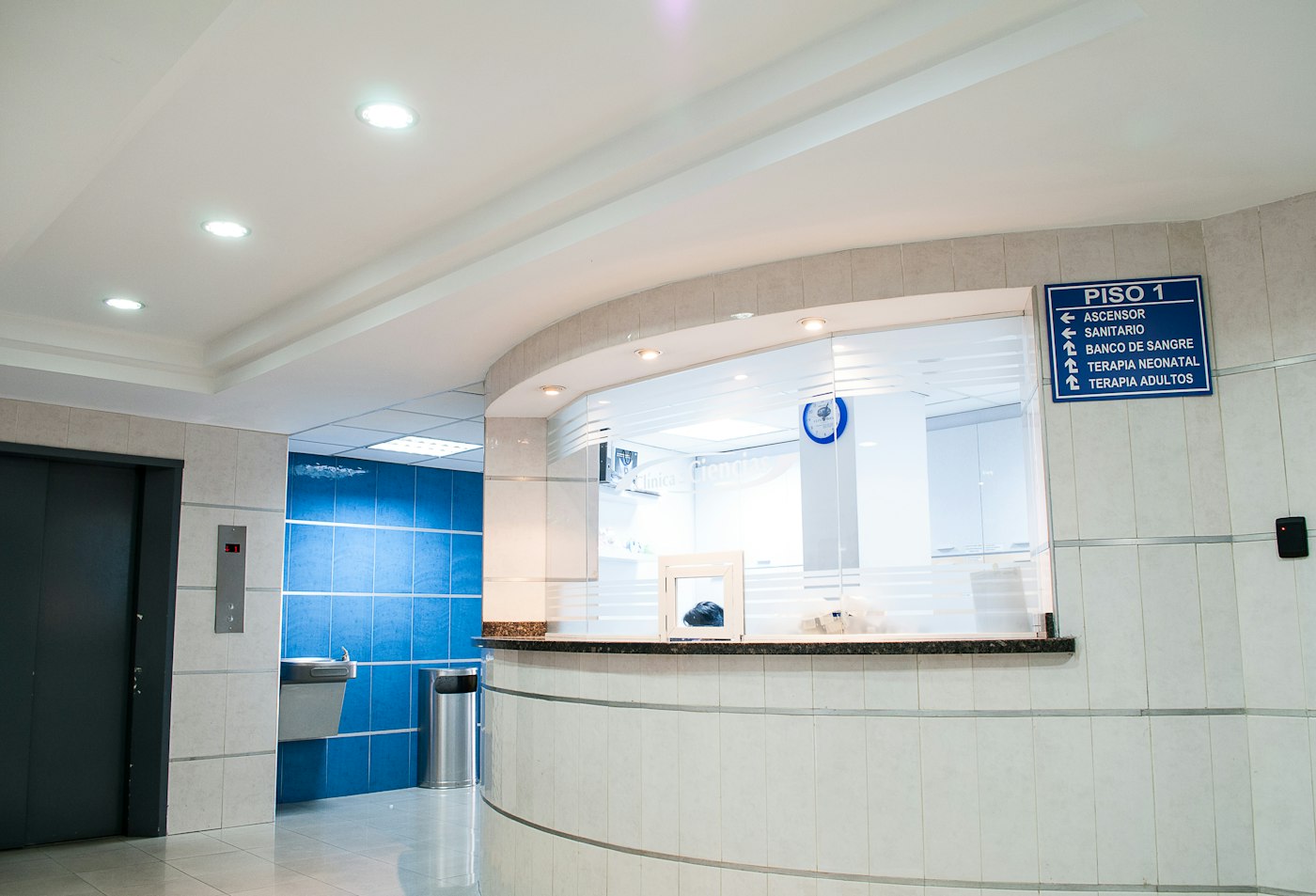
A clock, a directory, and a short notice. The clinic pack does not connect to a hospital record system.
See clinics
Events and a scrolling line in the hall. A safety message can replace the loop until you clear it.
See schools
A welcome, a meeting slide, and the week’s notices. The desk does not connect to a calendar.
See offices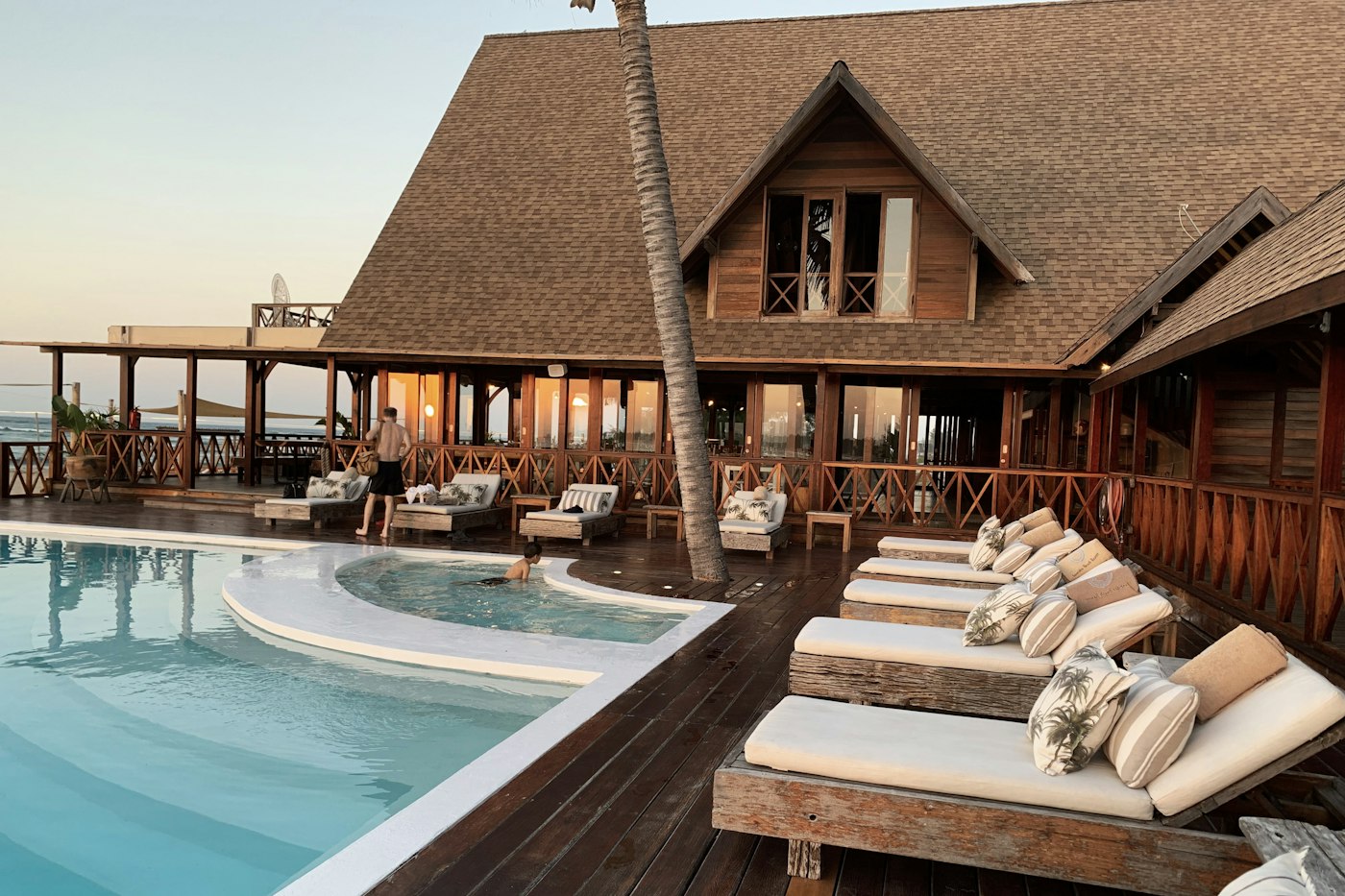
Hours, events, and a welcome. The desk does not connect to a property system.
See hotelsAccounts
Twelve rooms, and the pack each one uses. A price, a token, a room line, and an emergency line are typed in.
Before Pulse 360, we would constantly accidentally leave the breakfast menu up until 1 PM or forget to cross out a sold-out dish. The Smart Menu pack solved this instantly. The screens just keep the browser open, and my managers can update the board right from their phones the second we run out of an item.
Leaving a promotional slide up after a sale ends was eating into our margins. The Retail Promo & Media pack completely fixed our campaign timing. I can set the specific hours for a price list or campaign slide, and the system handles the rest. The ad slots look great on our displays.
Getting important messages to the floor used to be impossible since the warehouse team isn’t sitting at desks checking email. The Frontline pack puts the shift board on the main screens. Notices can go to phones, and the read marks show the message was received.
We needed a simple way to broadcast whether the production line was running and clear instructions on how to leave the building in an emergency. The Factory Floor pack gave us exactly those slides from day one. We update the numbers manually from the desk, and it keeps everyone on the floor informed and safe.
The lobby used to be chaotic, but the Patient Flow pack has organized everything. It provides the current serving token and simple, clear directions for arriving patients. Our front desk staff can update the boards instantly from their computers or phones without skipping a beat.
The Campus Safety pack is essential for our school. On a normal day, we run an events line and the cafeteria menu, which is incredibly easy to edit. But when we have a fire drill or a lockdown, the emergency slides instantly replace the normal loop on every single screen across campus.
Even without tying into a complex automated timetable feed, the Transit Info pack makes managing our station platforms a breeze. When there is a disruption, our dispatchers just update the rows manually to show the next trips and delay notices. It keeps the passengers informed without requiring an expensive tech integration.
The Workplace Hub pack makes our reception area look highly professional. We have a consistent welcome message, a room status, and our weekly figures displayed beautifully. Someone at the front desk simply updates the slides when the day changes, and the screens do the rest.
Retyping the daily events and welcome messages on every single screen in the hotel used to take my team an hour every morning. With the Hospitality pack, we just change the words once on the playlist, and every screen in the building follows suit perfectly.
Managing our lobby screens is finally intuitive. The Banking pack came pre-loaded with boards for our daily rates and the current serving token. All I have to do is pull out my phone, tap the Rate label, and the new interest rates are immediately live on the branch displays.
The fact that Pulse 360 Signage runs entirely through a browser made our rollout incredibly smooth across the NCR region. The signup process was intuitive—just by answering what our screens would show, the system automatically provided the exact fields, sample library items, and layouts our rooms actually needed.
Applying a new pack is seamless. As soon as we added the Smart Menu, all of the specific slides we needed dropped right into our account. Editing the boards from a phone while standing directly in front of the counter ensures we never display a sold-out item to our customers again.
1 of 12
How it starts
01
Any browser can do it. The screen shows a short code.
02
Name the screen and give it a playlist. The browser fills the window.
03
Edit the playlist. The screen picks up the change while the player stays open.
Library
Players
Open the pair page, enter the code, and leave that browser running. Account sets how many days of the schedule that player stores. The default is 7. If the connection drops, a stored schedule keeps playing, including the daypart. Download HTML when the screen should run from a pen drive. Chrome opens the pair page. Windows, Android, Fire TV, Samsung, and LG download a player. Samsung and LG browsers may not have room for the full cache.
Guides
Plans
Launch pricing — first 100 customers
Prices are in rupees. Choose a currency to see the same amount from today’s rate. The invoice stays in rupees. Starter and Growth are paid from the plan page by UPI or card. Enterprise stays on an invoice.
Free for 30 days
Pair a few screens and learn the desk before you commit.
Start free trial₹2,999 a month
₹2,499 for the first 3 months, then ₹2,999 a month.
A shop, a clinic, or a small office network.
Choose Starter₹14,999 a month
Many locations, one playlist library.
Choose GrowthTalk to us
A private limit, a rollout, and someone on the phone.
Talk to usPrices exclusive of GST (18%). Launch rates for the first 100 paying customers; then standard rates apply. Company sign-in, an authenticator, and the audit log are described on Security.
Questions
Nothing from an app store. Open the pair page in the TV browser. After you claim the code, that browser becomes the player.
The player fills the browser window. Hide the address bar with the TV browser full-screen control, a kiosk browser on Android or Fire TV, or the URL launcher on a commercial Samsung or LG display.
JPEG, PNG, WebP, GIF, and MP4 files, a picture hosted elsewhere, text slides, posters, layouts, menu boards, web pages, YouTube links, a clock, a scrolling notice, a Zoom meeting, a Teams meeting, the camera on the player, and a remote camera. A new account includes 50 library items, 10 layouts, and 15 playlists. Words and prices are examples. A playlist plays layouts, and each layout has its own number of seconds. A remote camera is sent through Ant Media Community Edition, so a webcam in one city can play on a screen in another. Starter includes 1 hour of remote camera a month. Growth and Enterprise include 8 hours of remote camera a month. Zoom and Teams use the key and user id saved for that account.
The trial runs for 30 days and includes 5 screens and 2 GB. Picture links, text, YouTube, clocks, and notices do not use that storage.
Starter is ₹2,999 a month. ₹2,499 for the first 3 months, then ₹2,999 a month. Growth is ₹14,999 a month. Prices are exclusive of GST (18%). Launch rates are for the first 100 paying customers; then standard rates apply. Starter and Growth are paid from the plan page by UPI or card. Enterprise stays on an invoice. Call +91 9211682404 or email hello@pulse360communications.com for an invoice.
Start the 30-day trial, or message the studio in Delhi. Launch prices are in rupees and exclusive of GST.